Infiniti Q50 Forum banner

4th attempt at upgrading stock A/V- Now with JB4 Screen Mirroring!!

27K views 107 replies 17 participants last post by  Ddnspider  
#1 · (Edited)
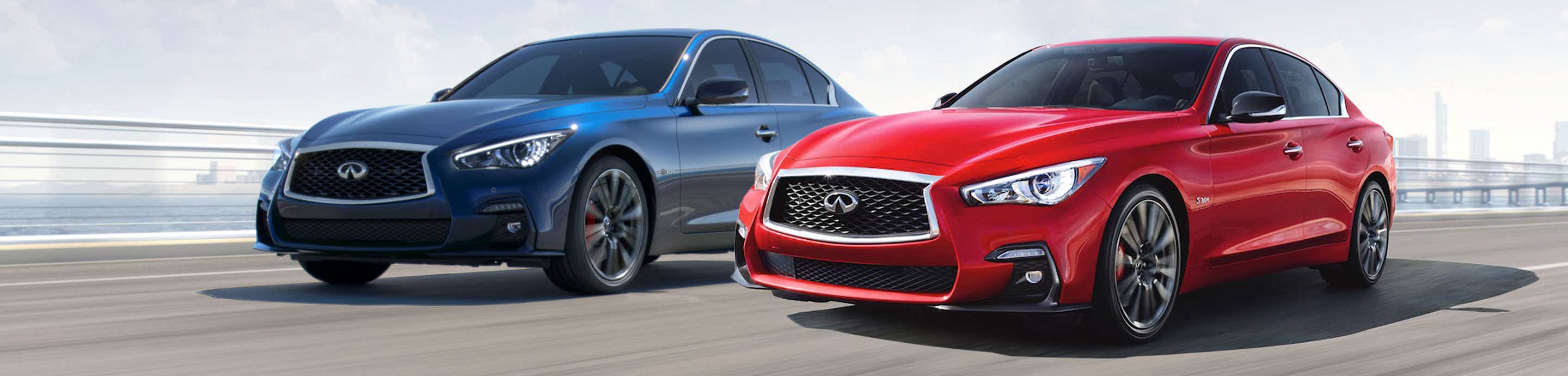
Since I am a glutton for punishment, after going through 3 MK2 Tesla screen's I am going the upper screen module route. I snagged a SmartAuto Tablet kit off of someone on FB. It seems to have to best reviews with the least bugs from owners. Its always out of stock on the website so I was happy to get a lightly used kit from someone that is "upgrading" to an MK3 Tesla screen for a good price. I'll try to snag some pics along the way and impressions.
 
#2 ·
Since I am a glutton for punishment, after going through 3 MK2 Tesla screen's I am going the upper screen module route. I snagged a SmartAuto Table kit off of someone on FB. It seems to have to best reviews with the least bugs from owners. Its always out of stock on the website so I was happy to get a lightly used kit from someone that is "upgrading" to an MK3 Tesla screen for a good price. I'll try to snag some pics along the way and impressions.
What happened to the 3 MK2 screens?
 
#10 ·
Cubbie where the brain goes.
98288

Single connection to the CD player.
98289

Installing the interface board.
98290

98291

Everything all plugged in.
98292


The install was actually the easy part! Getting all the software to play nice with my phone was more difficult. Anytime I connected for android auto it would reset my phone. Long story short, as soon as I updated Chrome the issue went away and android auto worked beautifully. Only thing left now is to figure out phone mirroring.
 
#11 ·
The install was actually the easy part! Getting all the software to play nice with my phone was more difficult. Anytime I connected for android auto it would reset my phone. Long story short, as soon as I updated Chrome the issue went away and android auto worked beautifully. Only thing left now is to figure out phone mirroring.
My understanding of the Smartauto kit is that it does not support mirroring.
 
#17 ·
I can't even display my JB4 gauges on my upper screen with the Unavi. I guess it is not supported by Android Auto. You have a tablet so I bet you could install the JB4 app. But can it read the JB4 BT module? I'm guessing not?
 
#18 ·
98320

98321

98322

Quality seems perfectly fine to me. It's obviously not HD but the colors are good and it's crisp enough for use. It's a heck of alot better than the stupid clock or Infiniti maps.
 
#20 ·
Looks great. Did both displays have to be removed for install?
 
#21 ·
Yes. The top screen comes out and completely disassembled to install the piggyback circuit card. The bottom screen gets pulled to access the top screen as well as take out the CD player momentarily to install the piggyback aux cable.
 
#24 ·
Doh! I need something I have at work. I think I have a path to wireless screen mirror Android....which means JB4 gauges.
 
#25 ·
🍿
 
  • Like
Reactions: itsecmgr@gmail.com
#26 ·
No go again. For some reason the AV input isn't being recognized. Im still waiting on a magical app that Im supposed to get that will allow Android screen mirroring. Holding out some hope but we'll see. Generally other than screen mirroring, I am pleased with the kit. We'll see how reliable it ends up being, but immediately it seems less quirky than the MK2 Tesla screens.
 
#27 ·
What are the cons? How would you rate its integration with OEM? Like one con for the Unavi is you lose the info bar along the bottom of the upper screen (volume, radio station, climate setting).
 
#30 ·
Android Tablet. I just confirmed that when I change the AC the top screen does pop up with status of all that stuff. Google search works when connected to AA and you press the hands free button on the steering wheel. Seems like decent integration.
 
#31 ·
That's very nice. And you said the center console rotary knob works? Does it come with its own mic or uses the OEM mic? Does it have an internal speaker if you were to take it off Auxiliary input (e.g., to listen to the radio or CD) but you are running Waze on the upper screen and you want to hear the Waze alerts?
 
#32 ·
Center console buttons work for stuff I've tried. Uses the OEM mic. Comes with a separate speaker so turn by turn can either be through that speaker if not in AUX, but I can't say I've tried it. There are a lot of little settings you can tweak and setup but I haven't gone through every setting yet. I did see where someone on FB said their local dealership is adding the SmartAuto kit as a dealer installed option. They tried 3 different upper screen kits and then went to the SmartAuto kit and said it was the most reliable and integrated.
 
#33 ·
#34 ·
Mine isn't a joy auto. It's a smart auto kit.
 
#41 · (Edited)
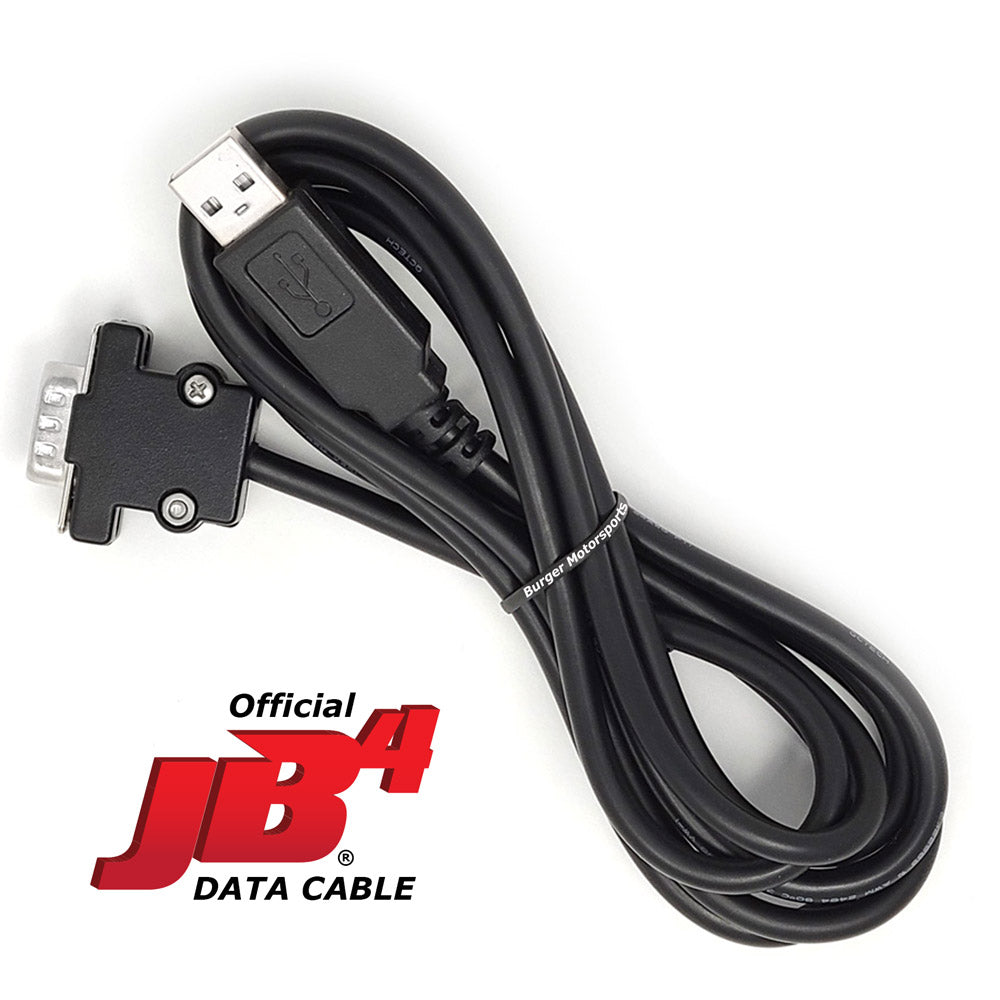
Wouldn’t a usb cable just plug into where the Bluetooth is connected on the JB4 itself?
I can’t recall but I think it was just a 9 pin serial port so couldn’t you just get an adapter from serial to usb?
98382
 
#42 ·
Ive never tried or investigated! :) If all I have to do is wire up a USB to DB9 cable that doesnt seem like a big deal as long as I can figure out the pinout.
 
#43 ·
 
#45 ·
That may work but I am not sure I'd want to give up the phone / BT connection.
 
#44 ·
Is the tablet connected to the usb input in the center console? If it is I don’t see why that wouldn’t work
 
#46 ·
I would think the lower screen would have to be on USB input. Would you be able to have music and JB4 if that is the case?
 
#47 ·
You can still use your BT audio and FM etc from the lower screen. Audio is only interrupted if you set the lower screen to AUX. If I could run the JB4 straight to the USB of the SmartAutoKit and get gauges/log locally instead of screen mirroring it would seem like having my cake and eating it too...
 
#48 ·
I run Waze on my upper screen and JB4 on my phone, mag-mounted right next to the upper screen. I am happy.
 
#50 ·
That DB9 to USB cable has me stumped....USB is 4 wire and this pic only shows 3 wires used on the DB9.
Guessing data+/- and ground? unless the BMS cable has a USB to serial adapter built into the cable.....
 
#51 ·
That DB9 to USB cable has me stumped....USB is 4 wire and this pic only shows 3 wires used on the DB9.
Guessing data+/- and ground? unless the BMS cable has a USB to serial adapter built into the cable.....
It probably doesn't need/use positive power.
 
#53 ·
Now I am lost as to what you are trying to do. Why does anything need to be cut open? Run the $35 JB4 cable from JB4 to tablet, done, no?